Robotics & Engineering
Raspberry Pi Robotics
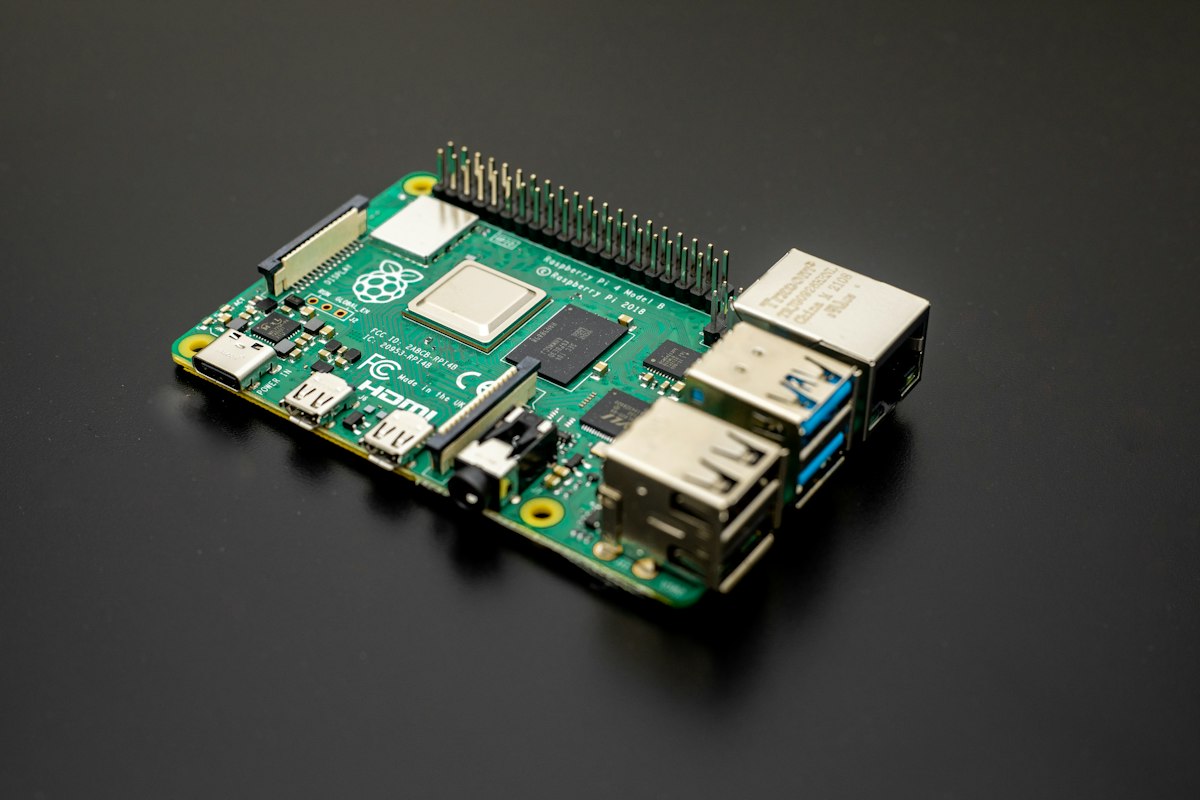
Students build robots powered by a Raspberry Pi and program them in Python, including cameras and sensors.
LEVEL
DURATION
AGES


In Raspberry Pi Robotics students put a small, full computer on a robot. They program it in Python, add a camera and sensors, and build a robot that can make its own decisions.
What your child will learn
How to set up and use a Raspberry Pi
How to control motors and read sensors with Python
How to use a camera to detect colours and objects
How to plan a larger build and split the work in a team
How a class runs
Students work in small teams, each with its own robot. Classes start with a short technical demonstration, then teams continue their build while the teacher helps where they are stuck.
Week by week
Weeks 1–3. Set up the Raspberry Pi and write the first Python scripts.
Weeks 4–6. Motors, sensors and driving under control.
Weeks 7–9. Adding a camera and simple image detection.
Weeks 10–12. A team project, presented to families in the last class.
Before you start
This is an advanced class for students aged 13 and up. It suits students who have finished an intermediate class such as Arduino Basics or Python for Kids, or who can already write short programs on their own.
What they take home
The code for their team's robot and a short write-up of how it works, written by the team.
Inside the class
From the workbench