Design & 3D
Print Farm Workshop
Students learn to prepare, run and troubleshoot 3D printing jobs across several printers.
LEVEL
DURATION
AGES
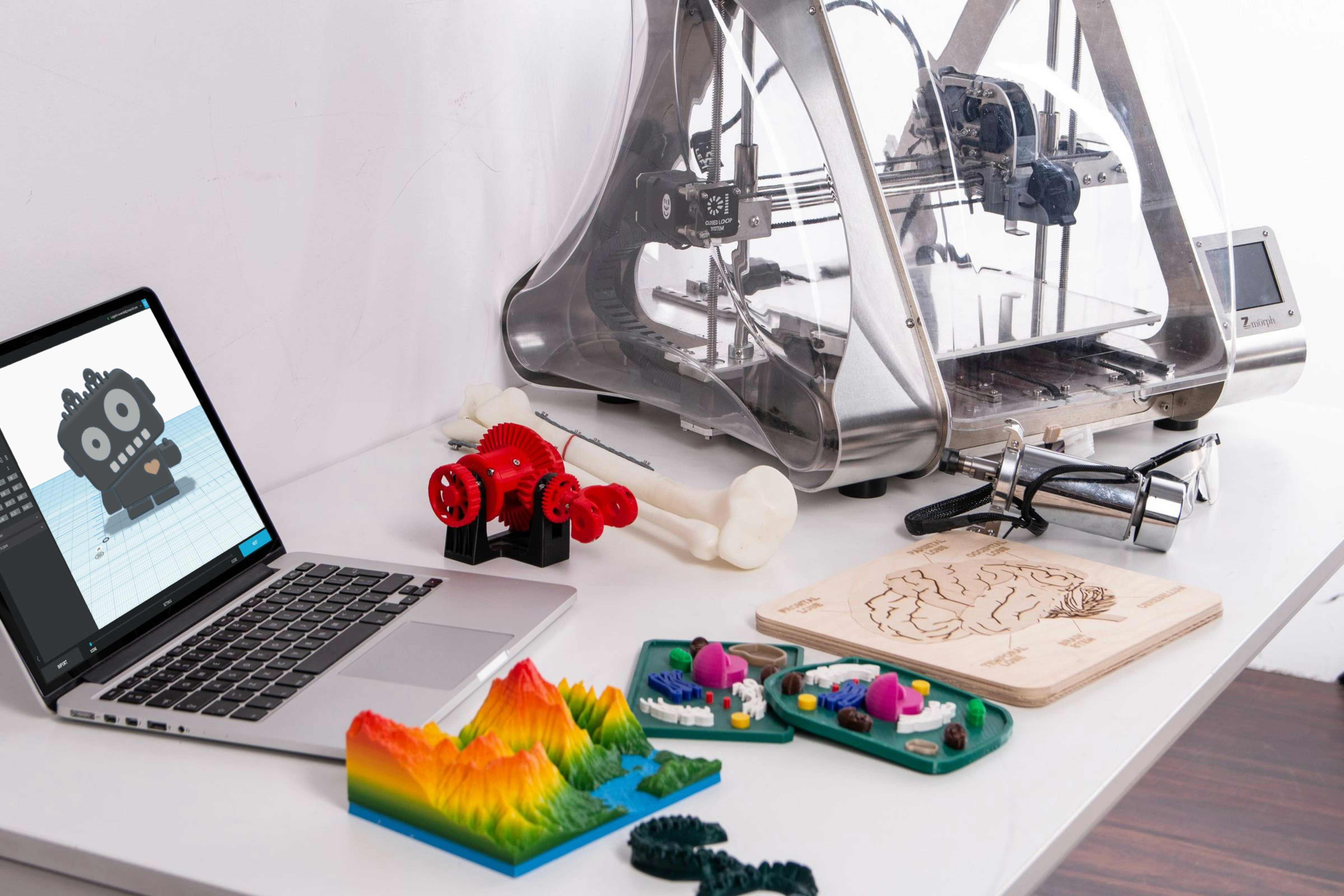


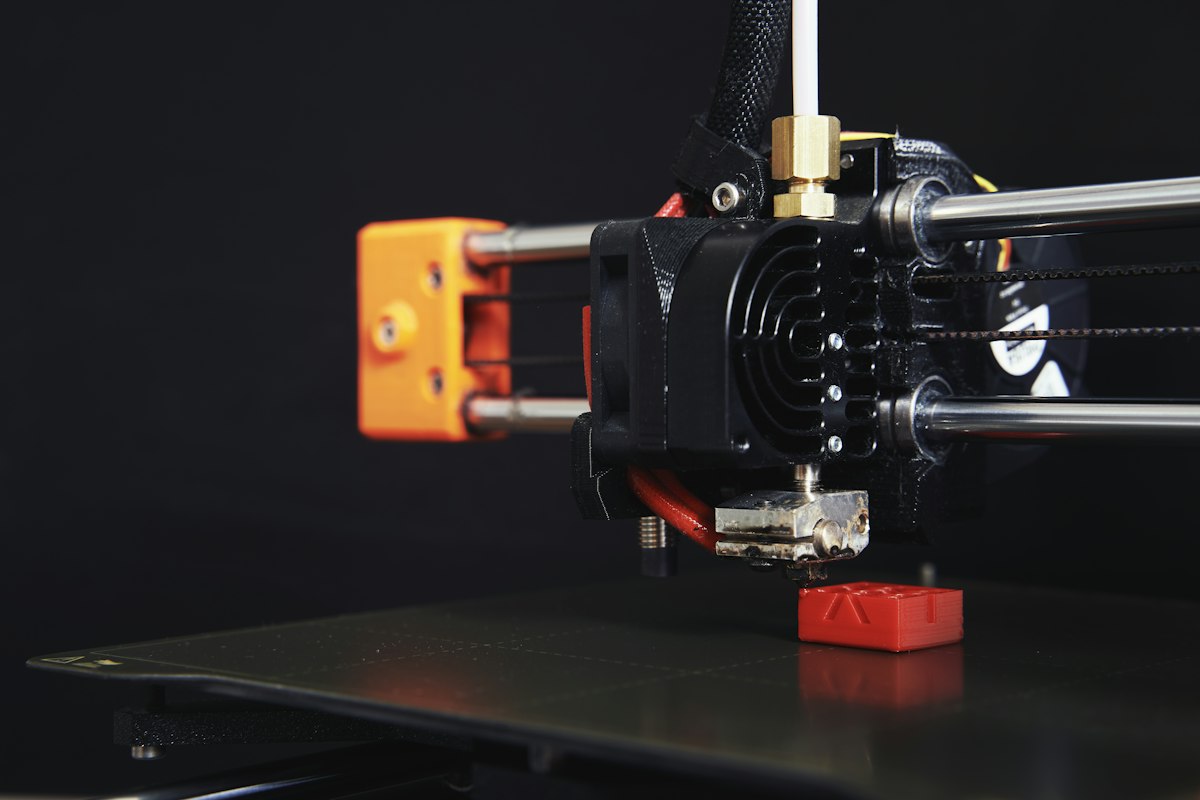
In Print Farm Workshop students run our print farm: eight 3D printers and one shared queue. They learn how to prepare, run and troubleshoot printing jobs from start to finish.
What your child will learn
How to prepare a model for printing and choose the right settings
How to plan a queue across several printers
How to spot, understand and fix failed prints
How to look after printers and keep them running
How a class runs
Students take turns running the farm. Each class starts with a check of what printed since last week and what failed, then students plan the next jobs and fix any problems together.
Week by week
Weeks 1–2. How printers work, and safe handling.
Weeks 3–4. Slicing, settings and running single jobs.
Weeks 5–6. Planning the queue across all eight printers.
Weeks 7–8. Troubleshooting, maintenance and a final print run.
Before you start
This is an advanced class for students aged 13 and up. It suits students who have finished 3D Design (Tinkercad) or another design class, or who can already write short programs on their own.
What they take home
The objects they printed, and a troubleshooting guide they write together as a group.
Inside the class
From the workbench