Design & 3D
3D Design (Tinkercad)
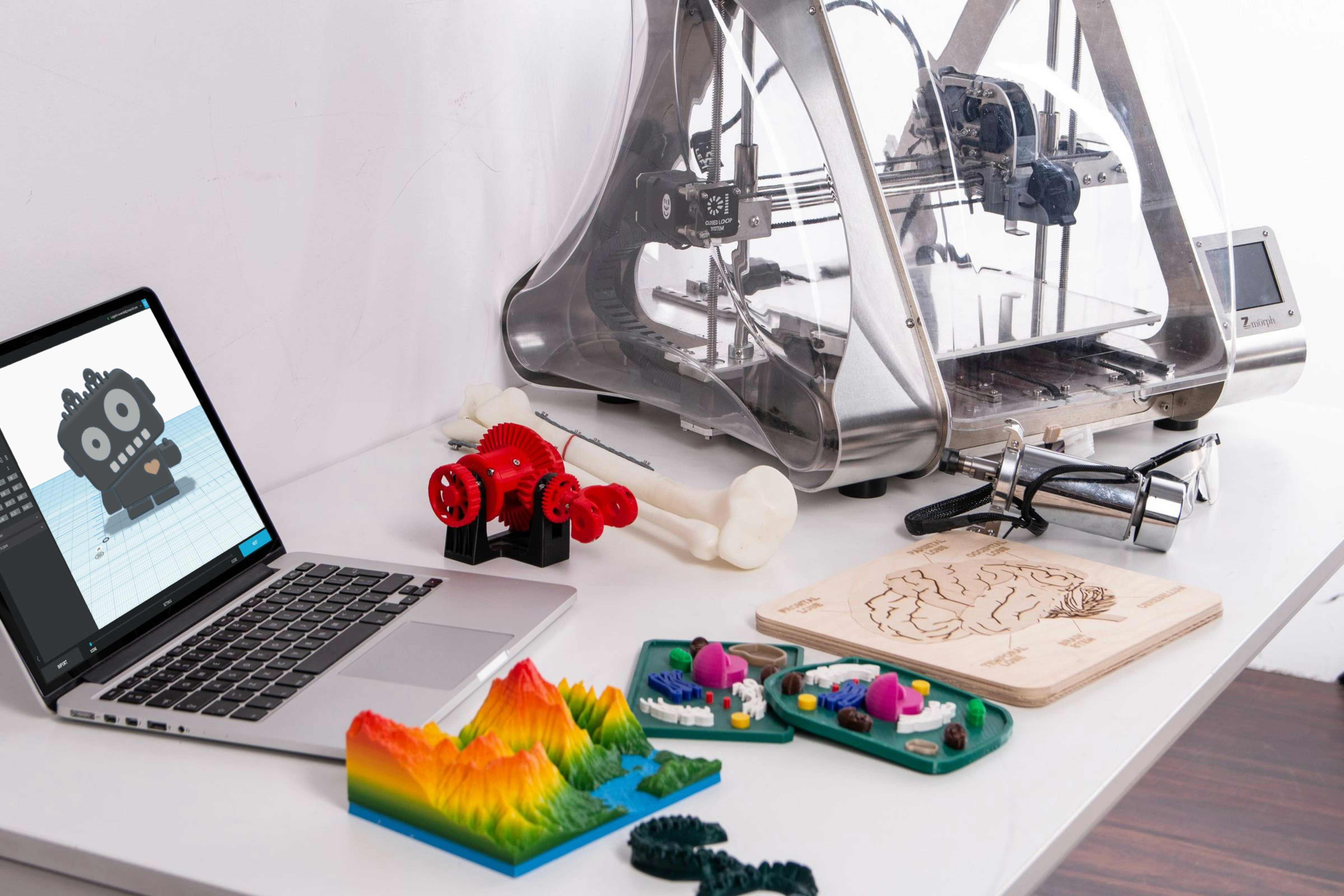
Students learn to design objects in Tinkercad, measure accurately and 3D print their models.
LEVEL
DURATION
AGES


In 3D Design with Tinkercad students learn to design real objects on the computer and print them. They measure carefully, model, print, and then check how close the print is to the plan.
What your child will learn
How to measure a real object accurately
How to model shapes and parts in Tinkercad
How to prepare a design for 3D printing
How to find out why a print doesn't fit, and fix it
How a class runs
Each class starts with a short demonstration in Tinkercad. Students then work on their own design, and prints run between classes, so every week begins by checking last week's print.
Week by week
Weeks 1–3. Measuring and basic shapes.
Weeks 4–6. Combining shapes into useful objects.
Weeks 7–10. A final object designed, printed and tested by each student.
Before you start
This is an intermediate class. It suits children who have finished Sketch to Object or another beginner class, or who already build with kits at home. No coding experience is needed.
What they take home
The objects they printed during the term, and their Tinkercad designs to keep working on at home.
Inside the class
From the workbench