Robotics & Engineering
Arduino Basics
An introduction to Arduino: students write their first code and build small machines that react to the world.
LEVEL
DURATION
AGES
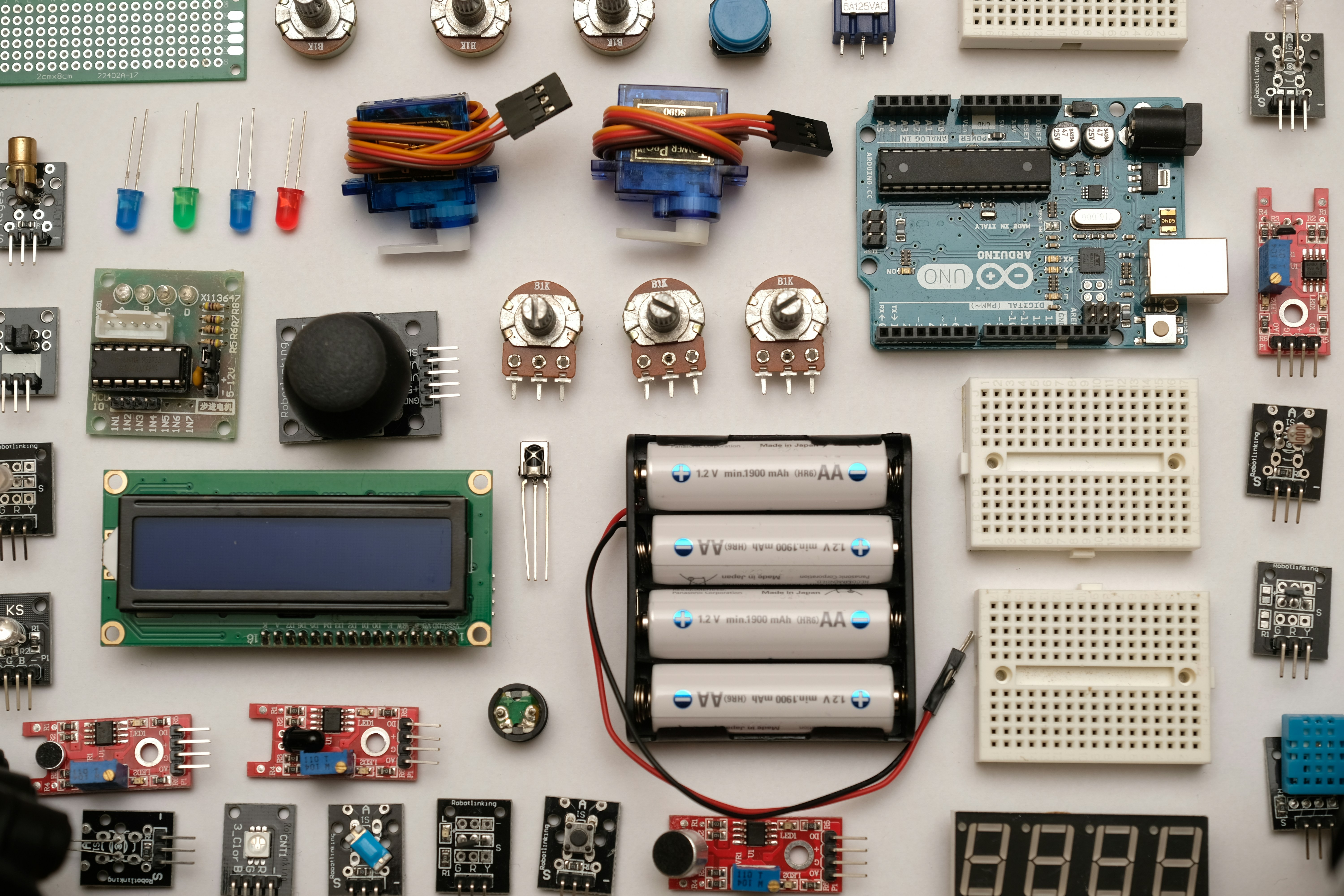


Arduino is a small circuit board that can be programmed to read sensors and control lights, motors and sounds. For most students it is the first time their own code moves something in the real world.
What your child will learn
How to connect LEDs, buttons, buzzers and sensors to a board safely
How to write and upload short programs in the Arduino language
How to read a sensor and make a decision with the value
How to find and fix mistakes in both the code and the wiring
How a class runs
Each class starts with a ten-minute demonstration. Students then build in pairs, with one board and one laptop between them, while the teacher moves from table to table. The last fifteen minutes are for showing what worked and what didn't.
Week by week
Weeks 1–3. Lights, buttons and a first program.
Weeks 4–6. Sensors: light, distance and temperature.
Weeks 7–9. Motors and servos, and a small machine that moves.
Weeks 10–12. A project of their own, shown to families in the last class.
Before you start
This is an intermediate class. It suits children who have finished a beginner class such as Circuits & Sensors, or who already build with kits at home. No coding experience is needed.
What they take home
Their final project and the code behind it, so they can keep building at home.
Inside the class
From the workbench


